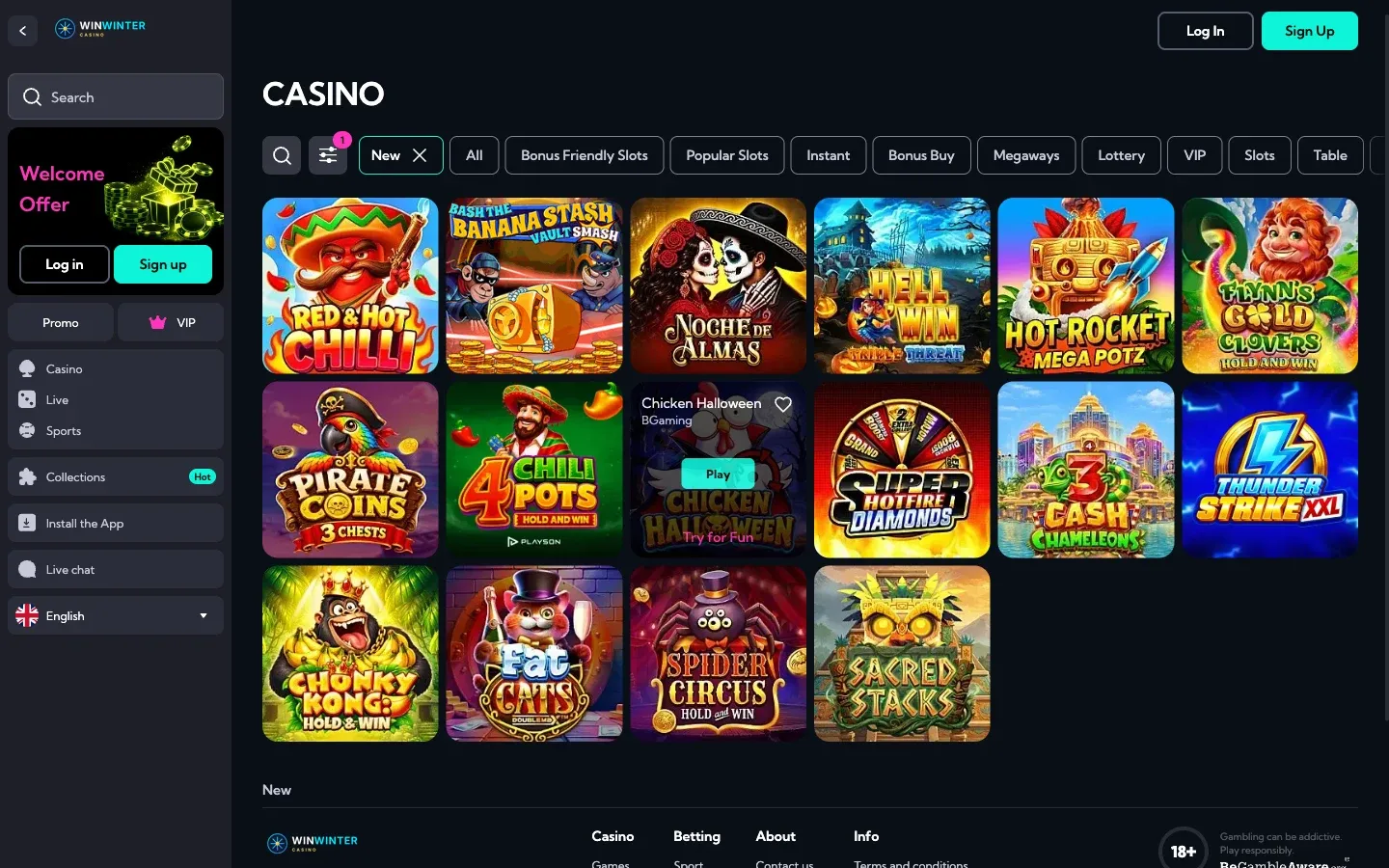



Starting your journey at WinWinter is a straightforward process designed to get you into the action quickly. Whether you are looking to explore the extensive collection of over 3,000 games or want to make use of the sportsbook features, the initial account creation is the first requirement. This guide outlines exactly what you need to do to register, focusing on the simple two-step procedure that brings you to the lobby, where you can choose your welcome offer and begin playing responsibly.
Quick Facts About Opening Your WinWinter Account
When preparing to join WinWinter, it helps to have a clear understanding of the information required during the setup phase. The platform prioritizes a simple, two-tier registration process that ensures security while minimizing the time between clicking “register” and placing your first bet. Below is a breakdown of what you will provide to the system and what you can expect immediately after your account is ready to use.
| Step | Details Required |
|---|---|
| Phase 1 | Valid email address and a secure password |
| Phase 2 | Full legal name, date of birth, current address, and phone number |
| Minimum Age | 18 years or older |
| Verification | Required before your first withdrawal |
It is important to remember that while the sign-up itself is fast, you must provide accurate details. The system asks for your email and a password that meets specific security criteria. In the second phase, providing your correct date of birth and residential address is essential for later stages, particularly when the casino requires identity verification. This process, often referred to as KYC, is a standard industry practice that must be completed before you can process your first withdrawal. Ensuring your details match your legal documentation from the start prevents delays when you eventually decide to cash out your winnings.
Walking Through the WinWinter Registration Process
Setting up your profile is divided into two distinct parts. By completing these stages, you gain full access to the cashier, the game lobby, and the various promotional offers available to new players. Make sure you have a reliable connection and your personal identification documents handy, as you will need the exact information from them to fill out the form fields correctly.
Phase 1: Access and Security Setup
The initial phase begins on the registration page. You will be prompted to enter a valid email address that you have consistent access to, as this will be your primary method for account management, including password resets. Choose a password that is at least eight characters long. To meet the security requirements, ensure it includes both an uppercase letter and at least one numerical digit. This password is the key to your account, so choose something unique that you do not use on other websites. During this stage, you will also confirm that you are at least 18 years old, which is the minimum age requirement for all players on the platform. Once these credentials are saved, you proceed to the final details.
Phase 2: Providing Personal Identification
After securing your login credentials, the second phase involves inputting your personal data. This is where you enter your full first and last name, as it appears on your legal identification. You will also need to provide your date of birth and your current residential address. Finally, enter a working phone number. These details are used to verify your identity and ensure the security of your account. It is worth noting that you do not need a promo code during this stage; any bonuses you wish to claim, such as the welcome package of up to €1,800 plus 100 free spins, can be selected directly within the cashier when you make your first deposit of at least €40.
Once your account is live, you can log in at any time. If you ever misplace your password, the login form includes a “Forgot password” link that sends a reset instruction directly to the email address you provided. Remember that real money is used before bonus funds, and you can always track your wagering progress through the bonuses tab in your account menu. While the registration process is digital and instant, be mindful that you cannot withdraw funds until your identity verification is fully processed, so submitting accurate details right from the start is the most efficient way to manage your account.